Take orders
- Multi-cart point of sale
- QR table ordering
- Pickup orders from a store link
- Opening hours & order pause
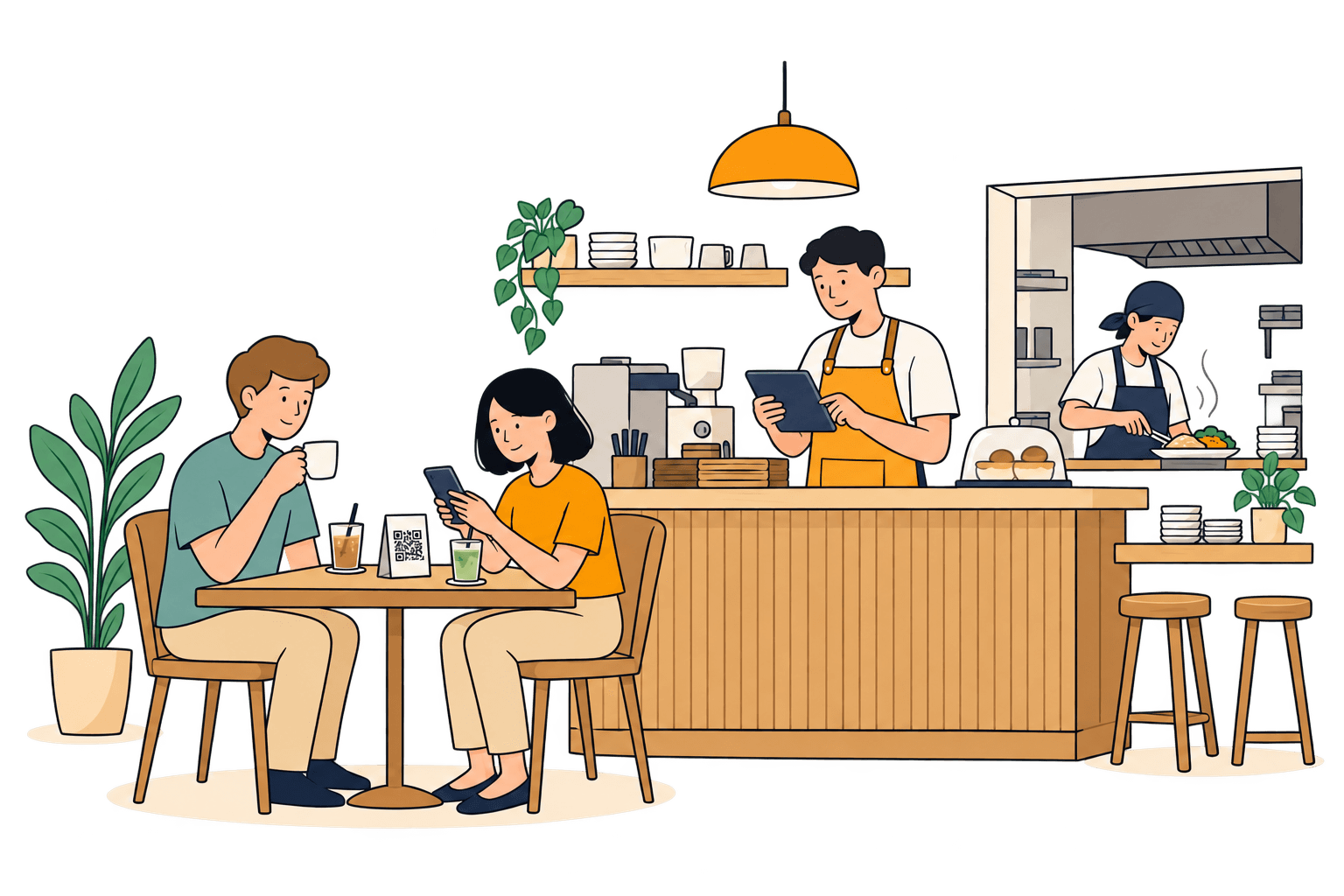
For cafés, restaurants & home kitchens
Kitchain connects orders, the kitchen, recipes, and ingredient stock in one flow. Every order deducts the right ingredients — so the numbers on screen match what's on your shelves.
Made for
Sound familiar?
The till, the stock sheet, and the order chats each run on their own. Nobody is doing anything wrong — nothing is connected.
The guest has paid before anyone notices. The till can't see the shelf, and the shelf can't see the till.
Food cost gets rebuilt at month-end from scattered receipts — and it rarely matches the cash.
Orders arrive by WhatsApp, DMs, and paper slips. Miss one, and a regular walks away disappointed.
Kitchain connects it all — from the table to the pantry shelf.
How it works
Follow two iced milk coffees from the guest's table to tonight's report.
At the table
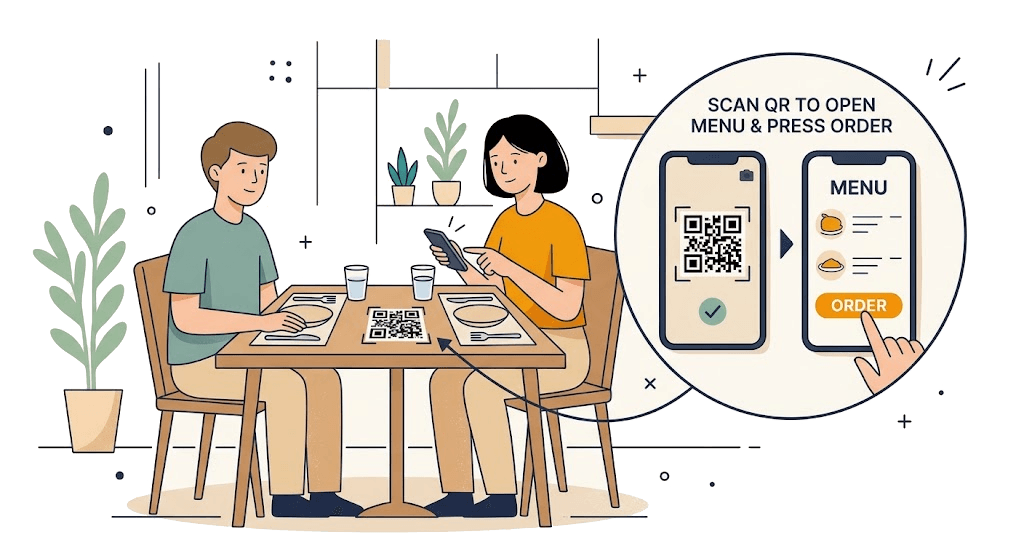
The menu opens right in the browser — no app needed. Orders are tied to the table, so extra rounds still land on one bill.
In the kitchen
Orders from QR, the till, and your online link land in one queue on the kitchen display. One tap moves a ticket along — and guests can follow it from their phone.
On the shelf
Every menu item has a recipe. When an order is recorded, Kitchain deducts from the batch closest to its expiry date — semi-finished goods included.
All of it comes from the batch that expires first.
2 cups use 36 g of coffee beans.
In your report
Sales, cash actually collected, refunds, and ingredient cost are kept apart. Anything estimated is labelled as an estimate — nothing is dressed up.
For producers
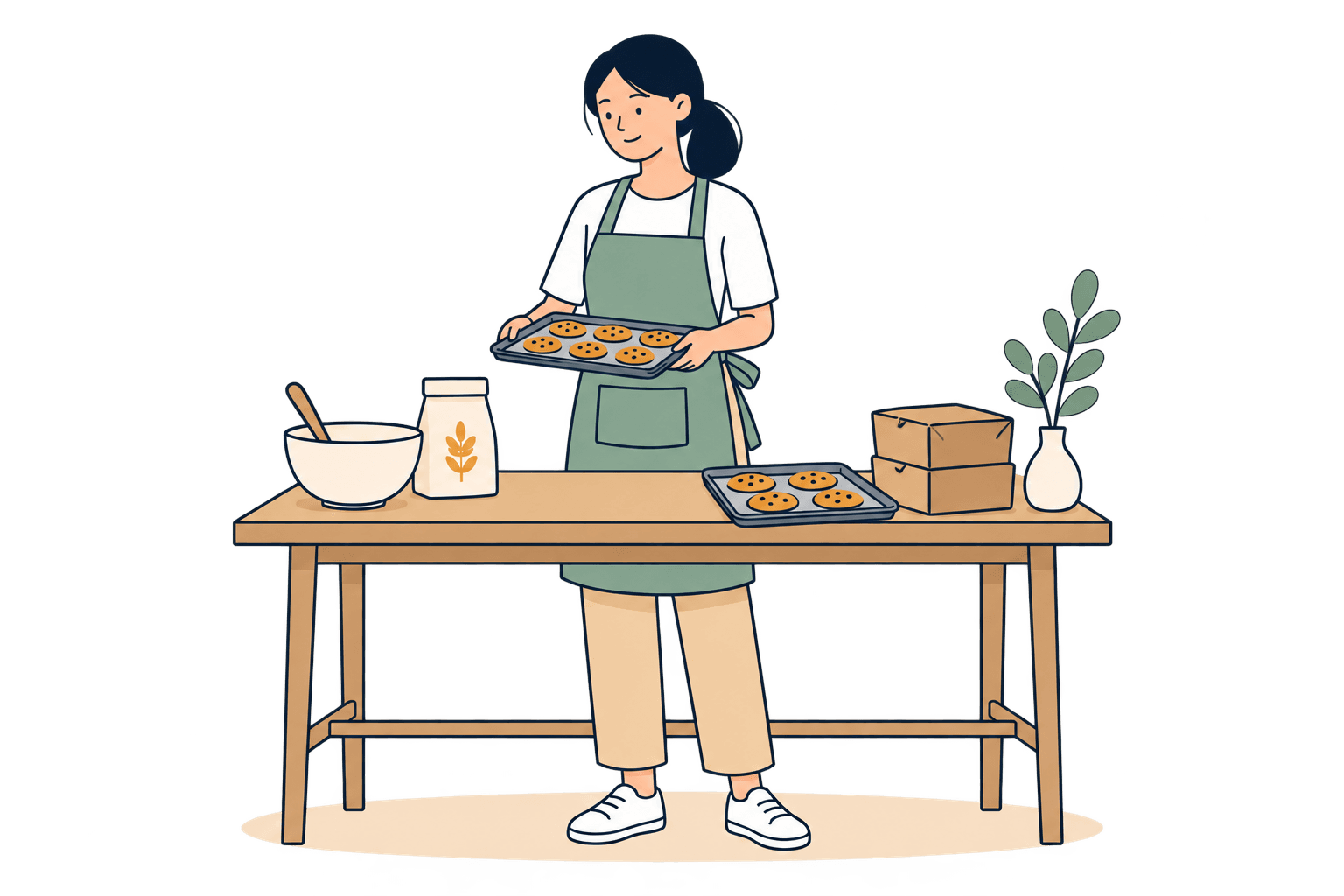
Bakeries, caterers, and home bakers make first and sell later. Kitchain follows that rhythm instead of forcing you to act like a café.
Pick the product and batch count. Raw materials deduct FEFO, and the output is recorded as a new, traceable batch.
Dough, jam, or sauce can have their own recipe. If there isn't enough on hand, Kitchain works back to the raw ingredients.
Customers order from your store link and show a code at pickup. No mix-ups at the door.
Built for the rush
A till is really tested when the signal is weak and hands are rushing. Kitchain is designed for exactly that moment.
Every order submit and payment is guarded against duplicates — no double charges, no stock deducted twice.
When the connection comes back and the order is sent again, Kitchain recognises it as the same order.
Before the order goes through, the cashier sees which ingredient is short and decides what to do — not a cryptic error.
All in one place
What you need to run the kitchen day to day. And if something isn't ready yet, we'll tell you.
Questions
Still unsure? Create an account and look around — setup starts with three short questions about your business.
Ready when you are
Create an account, pick your business type, then add your first menu items and ingredients. Kitchain adapts to the way you sell.